

Case study
Orchestrator: forms, portals and approvals
An administrator designs the forms and the approval flows, approvers resolve from the staff directory, and every request, inside the organisation or outside it, lands in one view.
Client: our ownSector: Operations
The build
What the problem was, and what we did about it.
The problem
Equipment requests, change requests, data uploads, expense claims, supplier onboarding: every process with its own form and its own email chain, and nobody who can say where a request is.
What we built
A builder in which an administrator designs a service, its questions and its approval steps, with approvers resolved from the staff directory so the flow follows the organisation chart; portals for the people outside the organisation; and one consolidated view of every response with its timestamps, attachments and status. Published to the client's own Microsoft tenant and sold under a perpetual licence to the full source code.
 The front door
 A working screen
An illustration of the system, drawn for this page with demo data. Nothing shown is a client's own.
Built with
- Power Platform
Feature by feature
What it does.
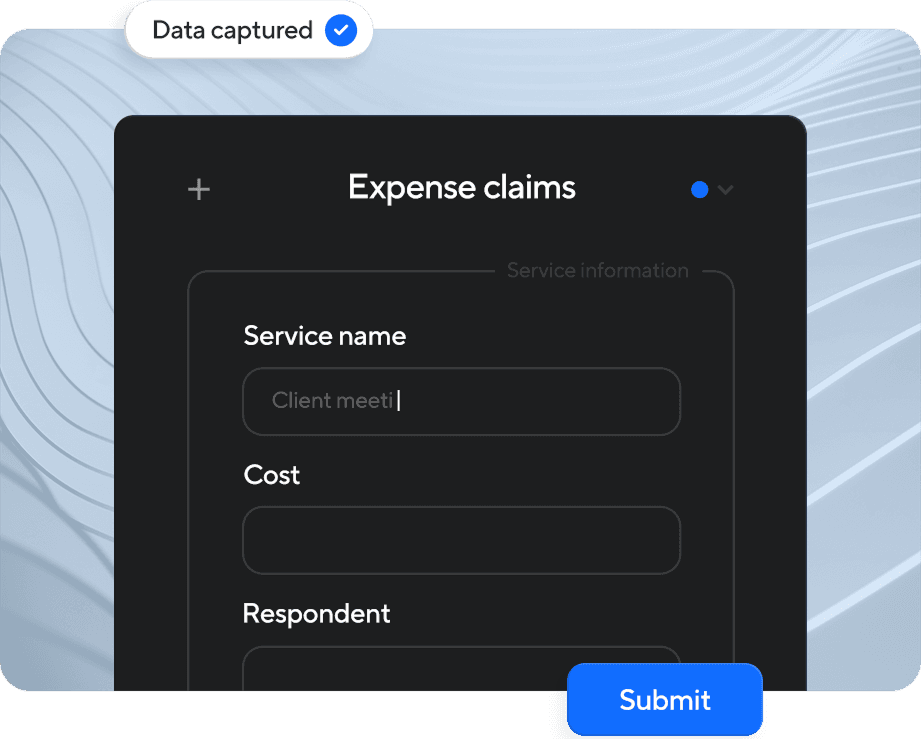
Simple Form Interfaces
Spin up dynamic web forms and self-service portals with no code required. Capture exactly the data you need with conditional questions, file uploads, and slick, mobile-friendly layouts.
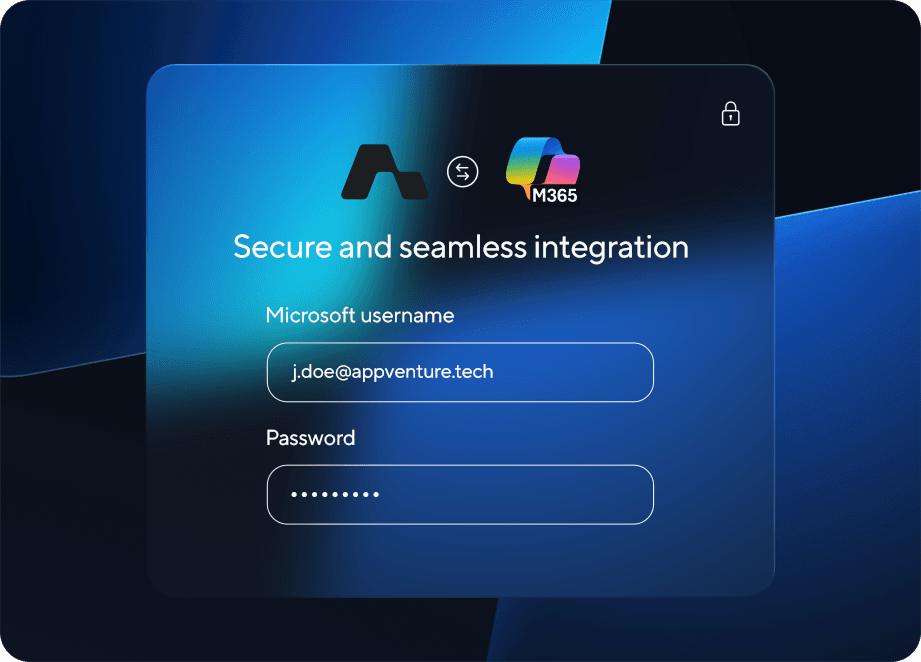
Power Platform Hosting
Publish forms straight to your Microsoft tenant for instant, secure access. Stakeholders log in with the credentials they already use, so adoption is seamless and governance stays airtight.
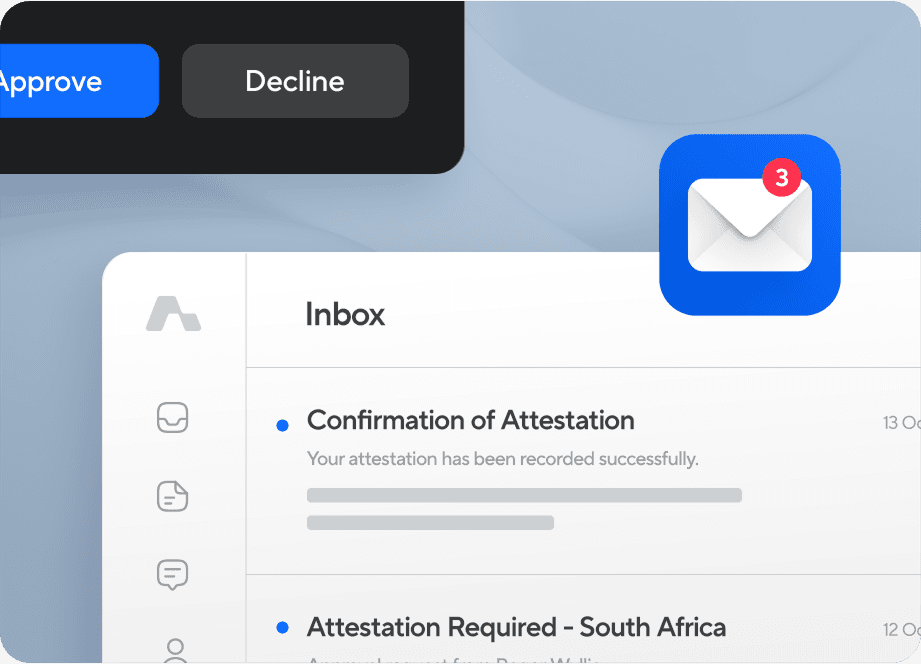
Intelligent Email Orchestration
Automatic approval, reminder, and notification emails keep every participant in lockstep with your process. Emails are simple, branded, and tracked end-to-end.
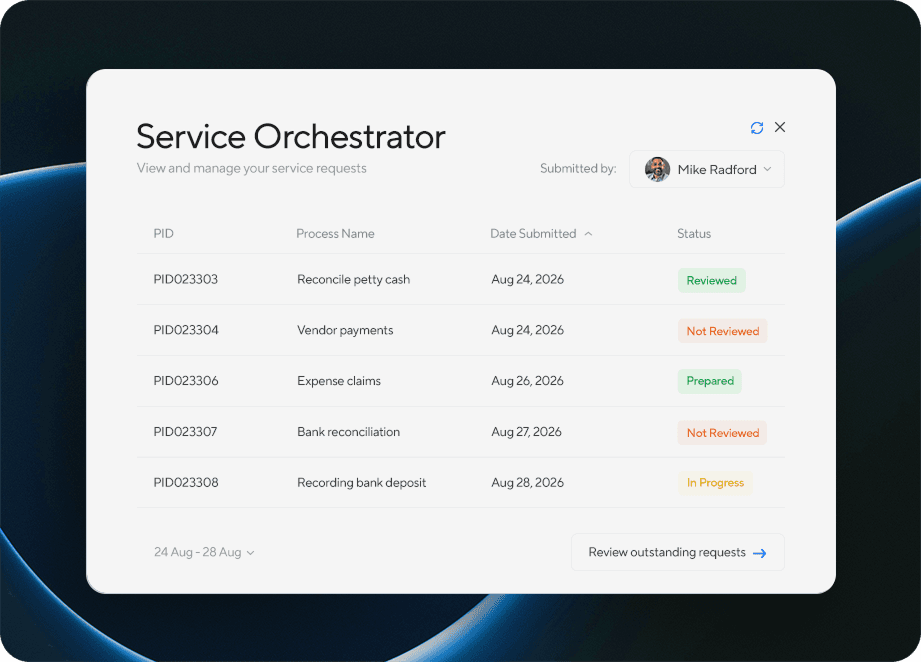
Live Response Explorer
Review each submission in a single consolidated view, complete with timestamps, attachments, and user details. Filter, search, and take action on responses without leaving the app.
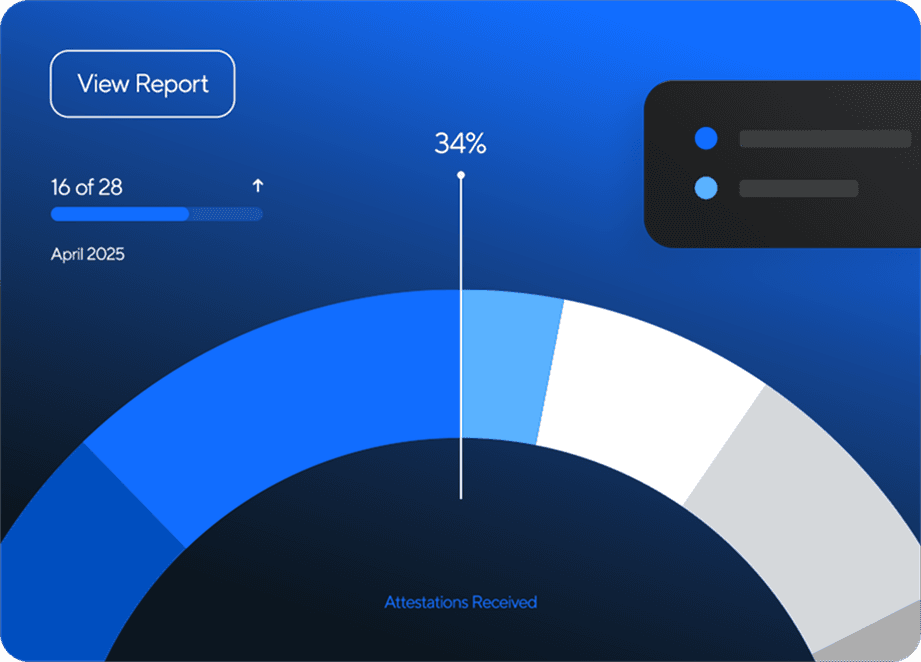
Insight-Rich Dashboards
Turn raw answers into real-time charts and KPIs. Spot trends, flag bottlenecks, and export detailed reports in a click. Data stays fresh and decisions remain fast.
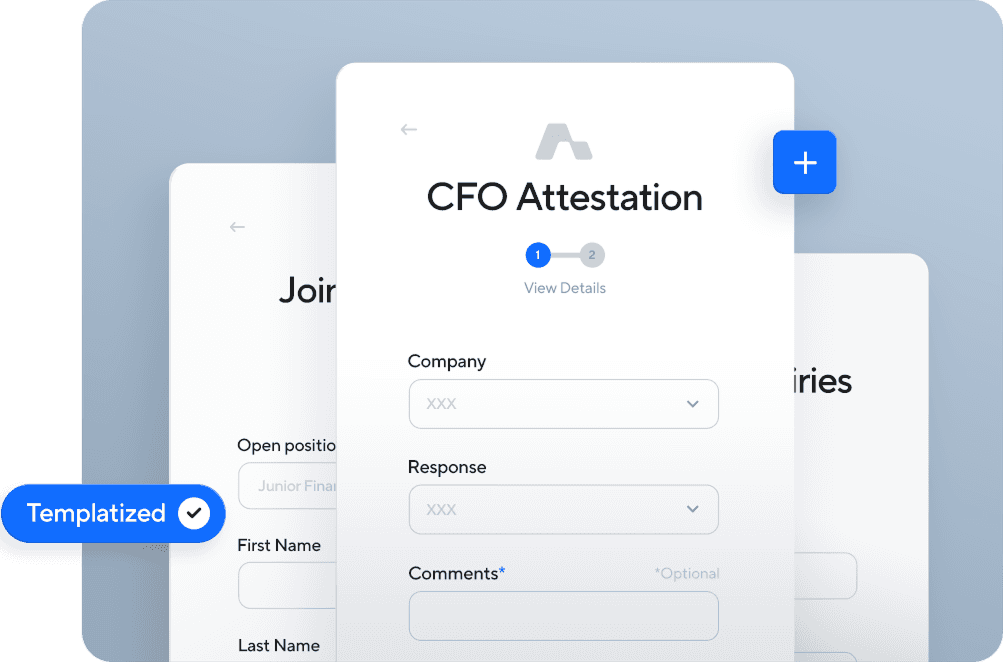
Versatile Use Cases
Use Orchestrator for AI simulations, HR onboarding, compliance, IT requests, customer feedback, and more. Adapt workflows to any department or process.
Start a conversation
Yours would be the next one on this list.
Tell us the problem. We'll tell you whether we're the right people, what it would take, and what it would cost before anybody starts building.